Gua
Monster Smart Bluetooth 6.0 Earbuds - 0-Gravity Titanium Earhook, 15M Stable BT6.0, 145H Total Play, Light Weight Earbuds, Wireless, Noise Isolation, Lightweight, Waterproof, Sweatproof, Gym Use Mens Gifts
-
Secure checkout with Shop Pay
-
Email confirmation and tracking for every order
- Refund policy
Product details
Description
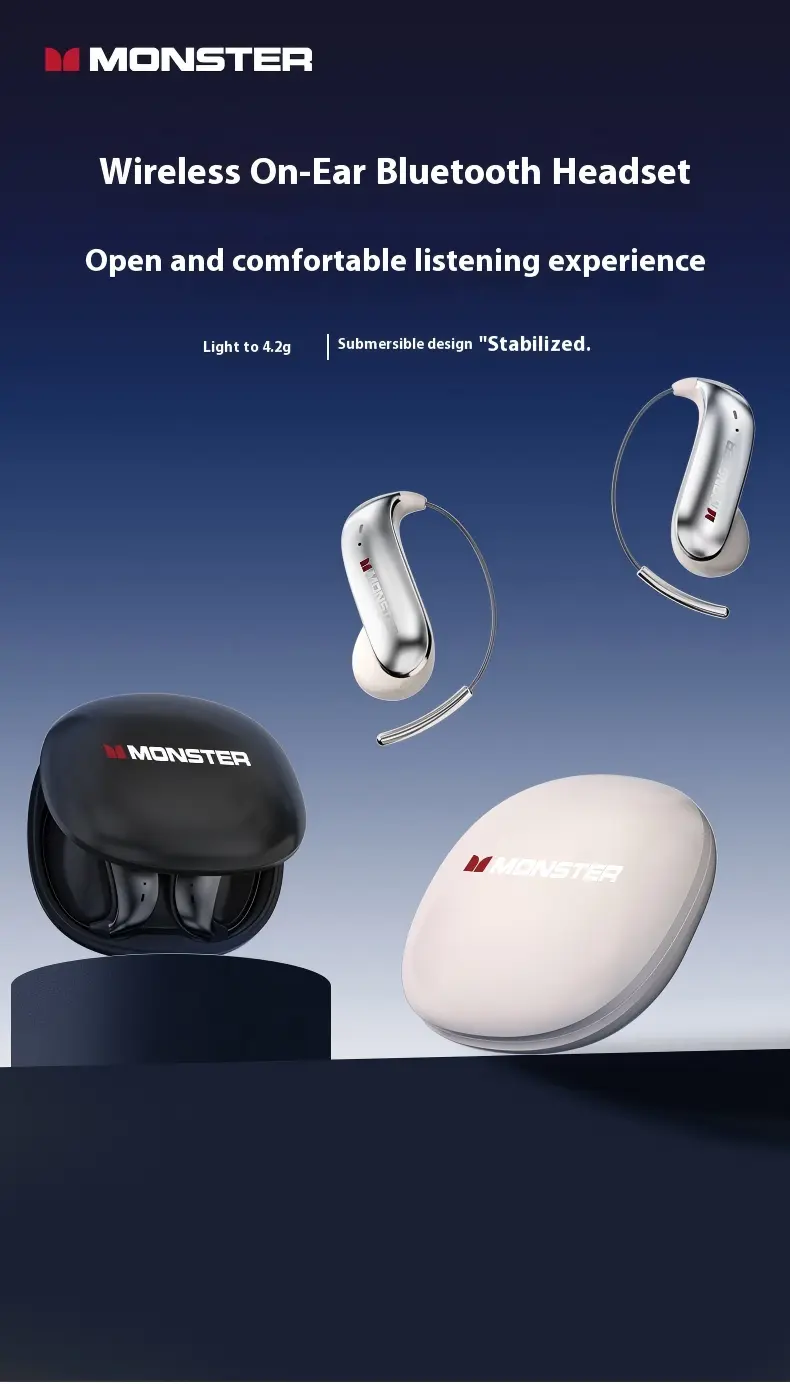
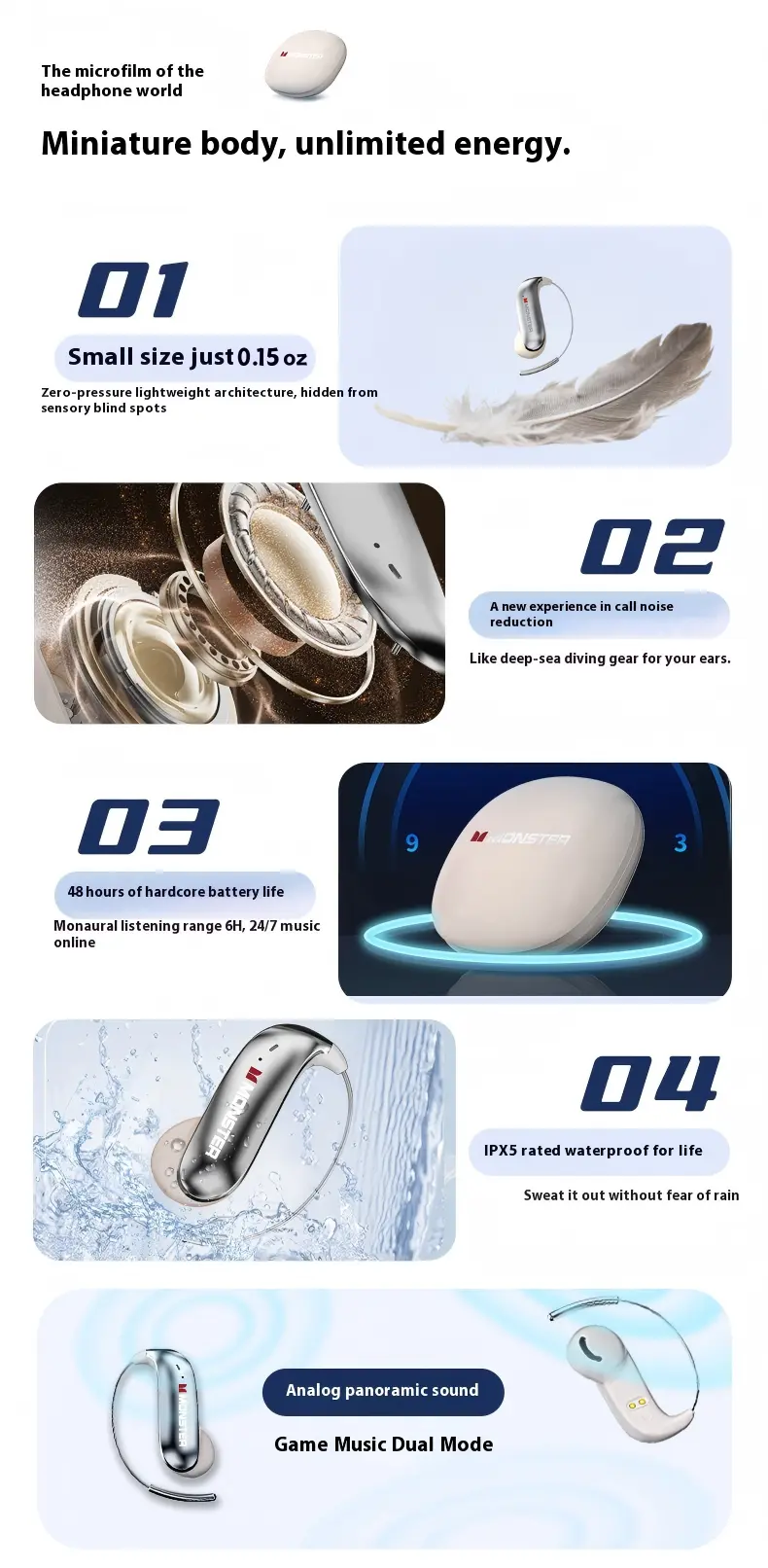
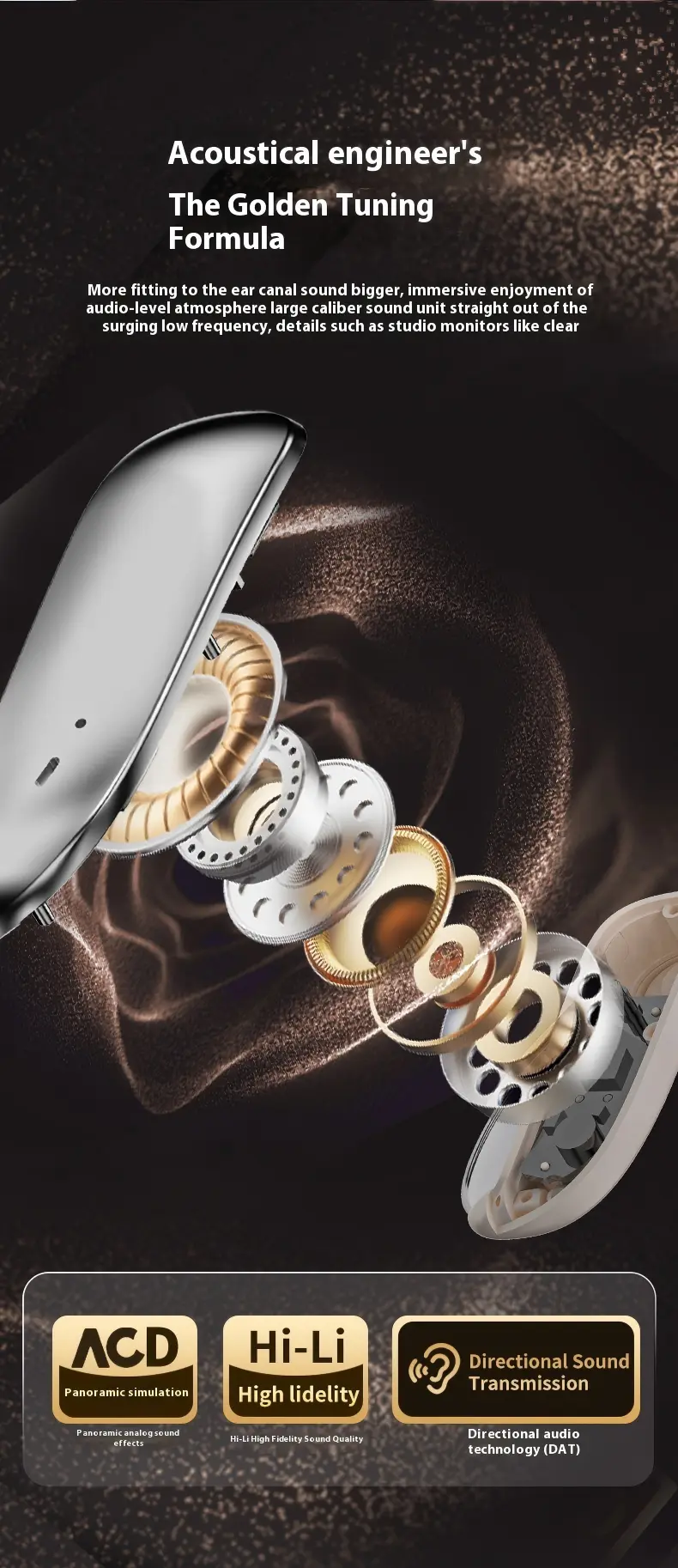
About this item:
145H Ultra-Long Battery: Up to 145 hrs total playtime(15hrs per charge+ 800 mAh case). Your wirelessearbuds stay powered for week-long trips-no outlethunting, perfect travel gadget.
Bluetooth6.0 Headset-15m Range: AdvancedBluetooth6.0 chip keeps music and calls stable to49ft/15m. Move freely at home, gym, or office; zerodropouts while your phone charges elsewhere.
Hi-Fi Stereo + Noise-lsolation Mic: Titanium-coated14.2mm drivers deliver rich bass and crisp highs. CVCmic cuts background noise, so every headset call staysclear on subways or in cafés.
Zero-Gravity Titanium Ear-Hook Fit: Memory-wiretitanium ear-hooks "float" around your ears-secure forruns, yet feather-light at 0.14 oz each. wear all daywithout pressure or shake-off.
Q1: Why won't my earbuds charge properly or why does the battery run out so fast? Please try these steps:
- Use the original charging cable that came in the box. Avoid fast-charging adapters — high voltage can affect small batteries.
- Gently clean the charging contacts on the earbuds and in the case.
- Fully charge the earbuds in the case for at least 2 hours before use.
Q2: Why can't I connect the earbuds via Bluetooth? Here’s how to pair them correctly:
- Make sure the earbuds are charged. If not, put them in the case and charge for a bit.
- Open the case and take out both earbuds. One should start blinking — that means it’s in pairing mode.
- On your phone, turn on Bluetooth and select “Monster C01” from the list. Once connected, you're all set!